Start from words
Seedream 5.5 turns a written brief into one image. Describe the subject, framing and light; put any headline text in quotes.
ByteDance · Image generation
Seedream 5.5 generates images from text, edits with up to 10 references, and separates a design into transparent layers. Create a finished image or get individual elements for your editor.
From $0.017 per image
Playground
Try Seedream 5.5 with a prompt or public image URLs. Switch to layer decomposition to separate an existing design and optionally recognize printed text.
Preview
Ready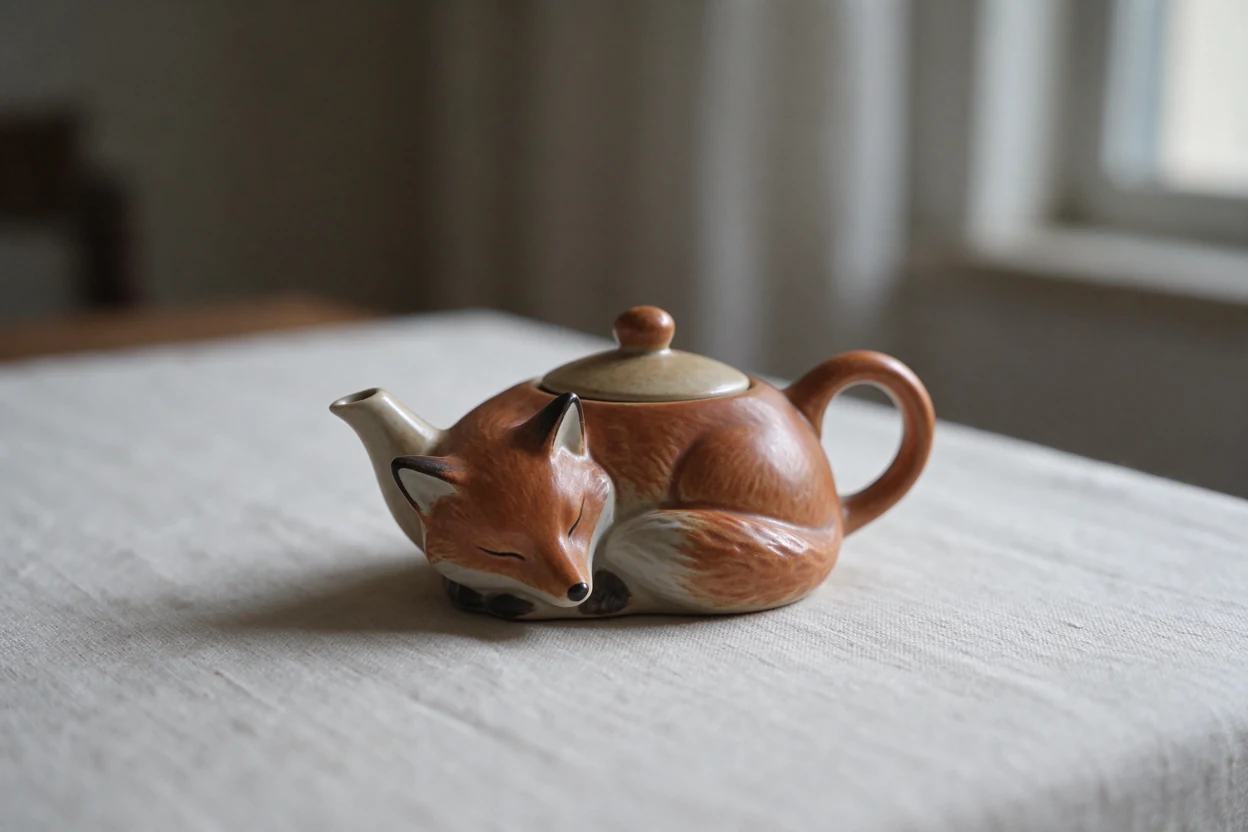
Generated example, November 10, 2026. Results vary.
Try one of these prompts
Three Seedream 5.5 examples from November 10, 2026: a winter edit, a ceramic teapot and a separated poster. Open the source images and prompts to compare.
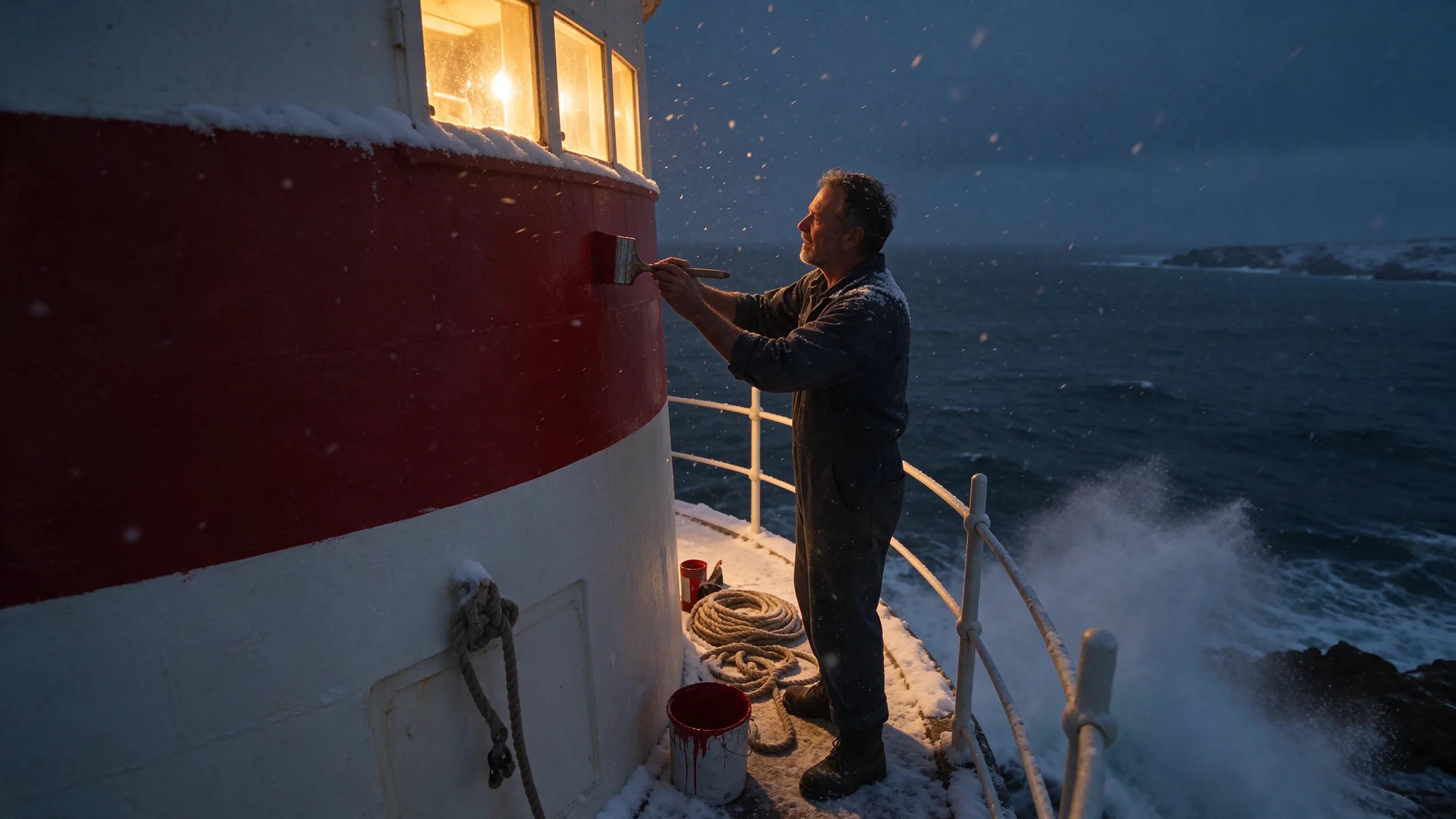
Seedream 5.5 changes the season and light while retaining the lighthouse composition. Compare the source before judging the edit.
Turn this scene into a snowy winter night with warm light from the lighthouse windows, keep the composition
View source imageA Seedream 5.5 text-to-image result at 1248 × 832 pixels, using the Playground’s example prompt.
A ceramic teapot shaped like a sleeping fox on a linen tablecloth, soft morning window light, shallow depth of field. No text.
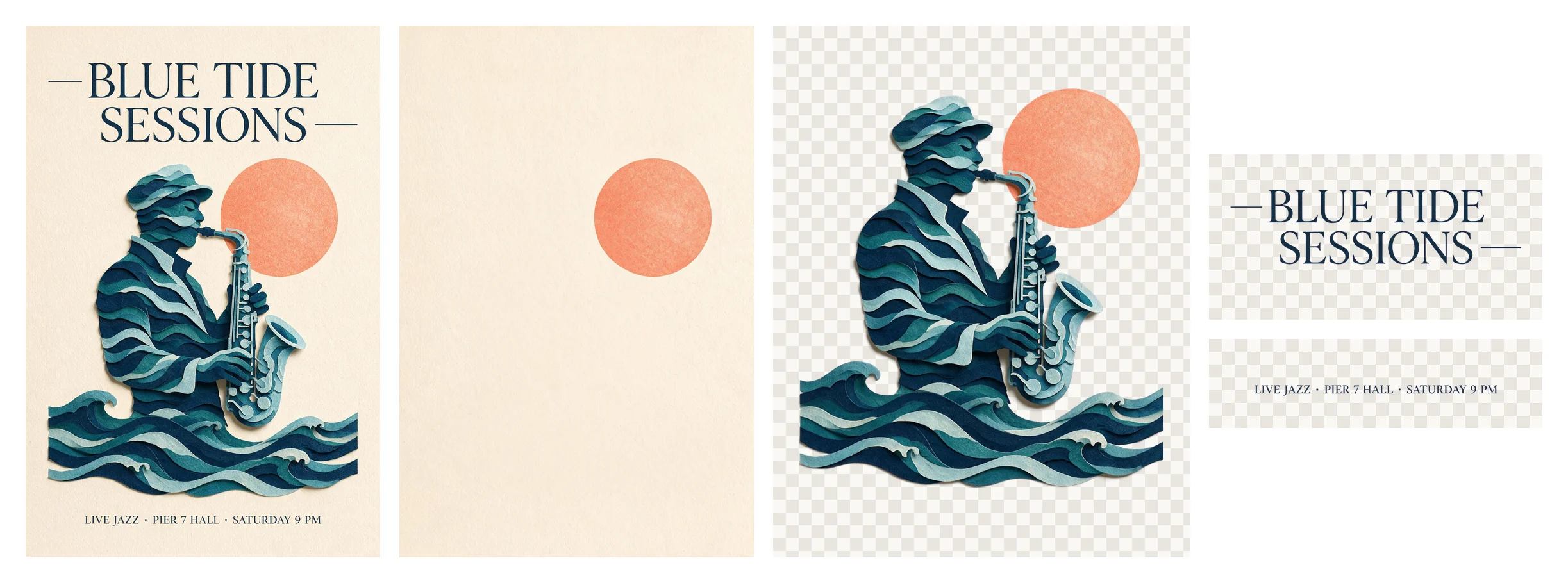
Seedream 5.5 separates a poster into transparent elements. This preview shows the source and three returned layers; text recognition was enabled.
No prompt. layer_decomposition: true; text_recognition: true. This preview combines the source poster and returned transparent layers.
View source imagePricing
Seedream 5.5 charges per output image and per reference. Outputs up to 2.61 million pixels use the lower rate; larger outputs use the higher rate. Current prices appear below.
$0.017 per image
1K and 1.5K share the same output rate. Check the composition before choosing 2K.
| Billable image | USD per image |
|---|---|
| Output up to 2.61 MP (1K / 1.5K) | $0.017 |
| Output above 2.61 MP (2K) | $0.02975 |
| Every reference image, including the first | $0.0068 |
Rates refresh automatically. One API key works across all models and groups.
Seedream 5.5 generation and layers share these rates. Each returned image is priced by its own dimensions. Every reference image counts, including the first.
Readme
Seedream 5.5 is ByteDance’s image model for generation, reference editing and layer decomposition. Start from a written brief, change an existing scene or bring several references into one picture. Choose a size preset for a quick draft, or exact dimensions when your layout has a fixed canvas.
Seedream 5.5 also separates one source image into a base and transparent layers. Returned metadata can describe stacking order and placement, making the result easier to reconstruct in an editor. Optional printed-text recognition adds recognized words and available style information. Inspect the separation before treating it as a finished design file.
seedream-5-5Use seedream-5-5 for Seedream 5.5 requests. Generation returns one image; layer decomposition returns the available layers within your chosen cap.
Add Seedream 5.5 to your application with a Wan API key. Submit the Playground request once, save the task ID and retrieve the finished images.
Give your coding agent the Seedream 5.5 OpenAPI document. It describes the request fields, size rules and task responses for your integration.
Seedream 5.5 turns a written brief into one image. Describe the subject, framing and light; put any headline text in quotes.
Ask Seedream 5.5 to change a background, material or color. Name the details that should stay and compare the result with your source.
Give Seedream 5.5 up to 10 images with distinct roles: the subject from one, the setting from another, or a separate style reference.
Seedream 5.5 separates one design into a base image and transparent layers. Choose a total cap of 2–100 images; fewer may be returned.
Use Seedream 5.5 for assets that need an alpha channel. Choose transparent background and PNG for generation or editing; separated layers are already transparent.
Enable printed-text recognition in Seedream 5.5 layer mode. Review the recognized words and available style metadata before rebuilding a headline in your editor.
Create Seedream 5.5 posters and covers around a specific headline. Leave room for the copy in your prompt, then check spelling and spacing.
Combine product and scene references in Seedream 5.5 for campaign variations. Compare labels, proportions and packaging with the real product before publishing.
Use Seedream 5.5 layers when a finished image needs further editing. Move a subject or replace text without starting the composition again.
Tell Seedream 5.5 what to create or change. For layer separation, a prompt is optional: start with the source design.
Paste public image URLs into Seedream 5.5. Generation accepts up to 10 references; layers need exactly one. Each reference has a separate charge.
Choose a Seedream 5.5 preset or exact generation dimensions. Check the live estimate, especially when requesting several layers.
Inspect the finished Seedream 5.5 images, then download them. Keep the layer order and placement metadata if your editor needs to reconstruct the design.
| Workflow | When to use |
|---|---|
| Text to image | Start Seedream 5.5 without references when exploring a new scene. |
| Single image edit | Give Seedream 5.5 one source when its composition or subject should guide the edit. |
| Multiple references | Combine 2–10 Seedream 5.5 references when each supplies a different ingredient. |
| Layer decomposition | Separate one image into a base and transparent layers for further editing. |
| Transparent background | Generate or edit a PNG with an alpha channel; leave background unset in layer mode. |
Seedream 5.5 generation returns one image. Layer decomposition can return fewer images than the cap; requesting more does not guarantee more separable elements.
Seedream 5.5 offers 1K, 1.5K and 2K. Exact generation sizes span 921,600–4,624,220 pixels, with aspect ratios from 1:16 to 16:1.
Seedream 5.5 targets printed text. Artistic lettering may be missed, metadata can be absent, and a layer can retain overlapping visual elements.
Seedream 5.5 has no 3K or 4K preset, streaming or fast prompt optimization. Reference images must use public URLs.
Check Seedream 5.5 costs in the Playground using the current image rates, selected size and reference count.
Resume an existing Seedream 5.5 task after refreshing the page. Inspect completed images and download the files from the same workspace.
Call Seedream 5.5 with your existing Wan API key and balance. The same key also works with the other available models.
Seedream 5.5 and Seedream 5.0 Pro have separate request contracts and prices. The catalog also includes Wan and Seedance video models and Claude language models.
Browse all modelsFollow a worked example, from the first image request to editing and layer separation.
Choose 1K, 1.5K or 2K. Generation also accepts exact dimensions within the documented pixel and aspect-ratio limits. Layer mode offers the same presets plus auto; it does not accept exact dimensions.
The live table above shows output and reference rates. Each output uses the rate for its own pixel size. Every reference is charged, including the first; a layer task is billed for the images actually returned.
Set a total image cap from 2 to 100, or keep the default 30. The base image counts toward that cap. The result can contain fewer images when the source has fewer separable elements.
Enable printed-text recognition to request recognized words and available font, color and placement information. Artistic lettering can be less reliable. Text excluded by a layer prompt may also be absent from the result.
Yes. Select transparent background with PNG output for generation or editing. In layer mode, separated layers are already transparent PNGs; the output format setting controls the base image.
Generation starts at 2K with PNG output. Watermark is off and content review is on. Layer mode starts at auto size with a 30-image cap and printed-text recognition off.
Yes. One Wan API key accesses all available models and groups. Use the model ID shown in the overview, and follow the separate API reference for submission and polling examples.
They are separate models with different request fields and prices. This page covers seedream-5-5 only. Check the model-specific documentation before moving an existing image workflow to this version.
Start a Seedream 5.5 image here. When the result fits your brief, use the same request in your application.
Specifications checked: · API reference · Current pricing